Forms in HTML are used to collect user input such as text, numbers, emails, and choices. The <form> tag is the container, and inside it we use different form elements to accept different kinds of data.
1. <input> Element
The <input> tag is the most commonly used element in a form.
It allows users to enter different types of data like text, password, email, number, etc.
The type of input is defined using the type attribute.
Example:
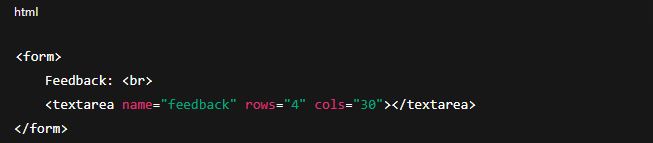
2. <textarea> Element
Used when we need to accept multiple lines of text (like feedback or comments).
It is resizable and larger than a normal input box.
Example:
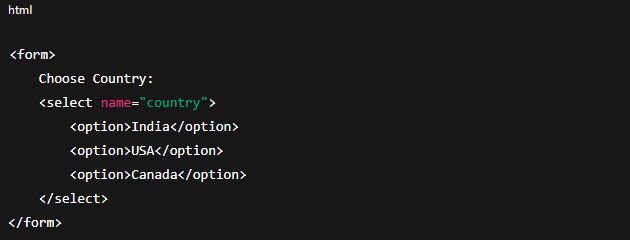
3. <select> and <option> Elements (Dropdown List)
<select> creates a dropdown menu.
<option> defines each choice in the dropdown.
Example:
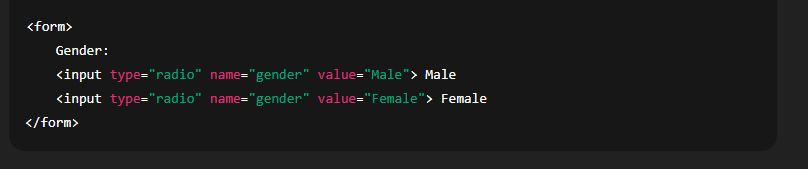
4. Radio Buttons (type="radio")
Used when you want the user to select only one option from a group.
All radio buttons in the group must have the same name attribute.
Example:
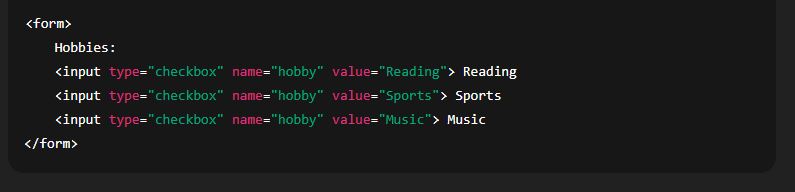
5. Checkboxes (type="checkbox")
Used when you want the user to select multiple options.
Example:
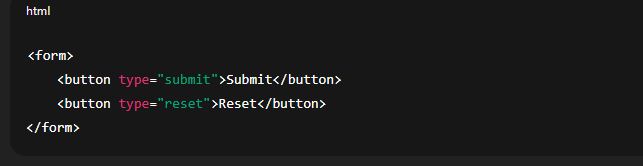
6. <button> Element
Adds a clickable button in the form.
Can be used to submit the form or trigger JavaScript actions.