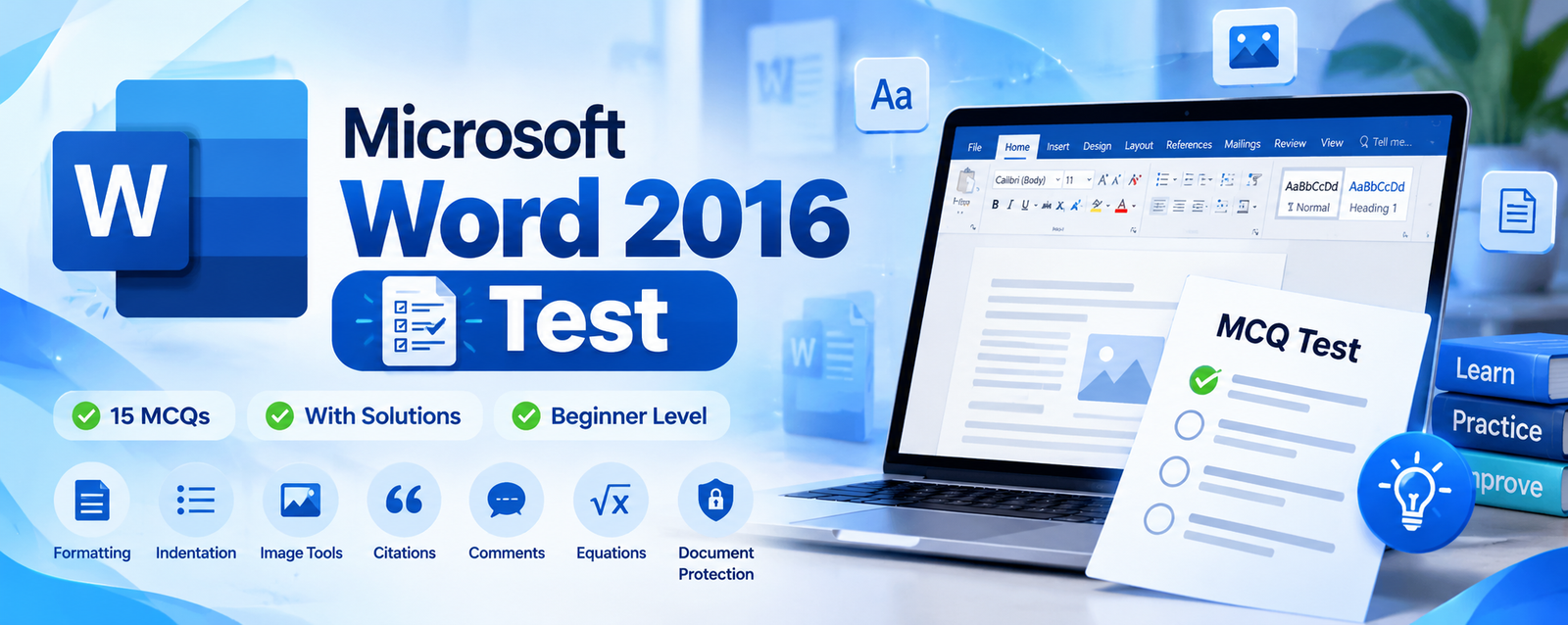
Microsoft Word 2016 MCQ Test
Multiple-choice questions with correct answers and explanations
Questions and Solutions
Read each question, review the options, and check the correct answer and explanation immediately below it.
Q1When you create a new document in Word 2016, what is the default page size?
Solution: In the standard US configuration, Word 2016 uses Letter (8.5 × 11 inches). The default can vary with regional settings.
Q2Which keyboard shortcut is used to make selected text bold in MS Word?
Solution: Ctrl + B toggles bold formatting for selected text.
Q3Which of the following statements best describes the toolbar?
Solution: A toolbar provides access to commands. In Word 2016, the Ribbon is the main command area, organized into tabs and groups.
Q4Which shortcut is used to save a Word document?
Solution: Ctrl + S saves the current document and its recent changes.
Q5What is the indentation function used for?
Solution: Indentation controls how far a paragraph is set in from the left or right margin.
Q6Which shortcut is used to save a Word document?
Solution: Ctrl + S saves the current document. This repeats the save-shortcut question, but is retained from your list.
Q7Imagine you made a mistake, changing the word “work” to “article” in several parts of the text. What's the quickest way to correct this error?
Solution: Find and Replace locates a word and replaces selected or all occurrences. Ctrl + H opens Replace.
Q8Which keyboard shortcut is used to italicize selected text in MS Word?
Solution: Ctrl + I applies or removes italic formatting. This fills the blank at Question 8 in your list.
Q9In the “Image Tools” tab, which button allows you to change an image's shape?
Solution: Crop to Shape trims an image to a selected shape, such as an oval or triangle.
Q10Which tab contains the option to insert a table in Word 2016?
Solution: The Insert tab contains the Table command for creating rows and columns.
Q11What is a bibliographic citation?
Solution: A bibliographic citation identifies a source, typically with details such as author, title, publisher and date.
Q12Which keyboard shortcut is used to underline selected text?
Solution: Ctrl + U applies or removes underline formatting.
Q13How can you add a comment to a Word 2016 document?
Solution: Select the relevant text or location, open the Review tab, and choose New Comment.
Q14Which feature is used to change the page orientation in Word 2016?
Solution: The Orientation command is on the Layout tab and switches between Portrait and Landscape.
Q15What is Word Online?
Solution: Word Online (Word for the web) is a browser-based version for creating and editing documents without installing the desktop app.
Q16Which keyboard shortcut is used to select all the text in a document?
Solution: Ctrl + A selects all content in the current document.
Q17True or false: Word's spelling and grammar check is 100% accurate.
Solution: False. Automated proofing tools can miss errors or flag correct wording, so proofreading is still important.
Q18What is the purpose of the Header and Footer feature in Word 2016?
Solution: Headers appear at the top and footers at the bottom of pages. They can contain page numbers, dates and titles.
Q19True or false: It is possible to insert an Excel sheet into a Word 2016 document.
Solution: True. You can insert an Excel worksheet through Insert → Table → Excel Spreadsheet or Insert → Object.
Q20Which shortcut is used to undo the last action in Word 2016?
Solution: Ctrl + Z reverses the most recent action. Ctrl + Y generally redoes an undone action.
Q21What are numbered lists used for?
Solution: Numbered lists organize items in sequence and are useful for instructions and ordered steps.
Q22Which of the following options appears when you select “Protect document”?
Solution: Restrict Editing helps control which changes other people can make to a document.
Q23Which option is used to insert page numbers in a Word document?
Solution: Use Insert → Page Number to add numbering in a header, footer or page margin.
Q24What is the main function of the Equation tool?
Solution: The Equation tool inserts and formats mathematical expressions; it does not solve them automatically.
Q25What is the main purpose of Mail Merge in MS Word?
Solution: Mail Merge combines a main document with recipient data to create personalized letters, labels, envelopes or emails.
Q26Select the features you can edit in an image using the tools in Word 2016.
Solution: Word provides picture corrections such as contrast adjustments and picture effects such as Glow and Shadow.
Q27Which keyboard shortcut is used to center-align a paragraph?
Solution: Ctrl + E centers the current paragraph. Ctrl + L aligns left, Ctrl + R right, and Ctrl + J justifies.
Q28True or false: If the device or computer you are working on does not have Word, you can edit your document from your OneDrive account.
Solution: True. A document stored in OneDrive can be edited in Word for the web through a browser, subject to account and access permissions.